
Filter GEX wall flow by horizon: All and 0DTE in Rank
Rank Contracts now separates all-expiration and exact-0DTE Wall Flow filters, so paid users can narrow the same-session evidence to the horizon they are researching.
GEX walls are useful only when the flow comparison uses the same horizon. TradingFlow Rank Contracts now makes that choice explicit with separate Wall Flow (All) and Wall Flow (0DTE) columns and filter groups.
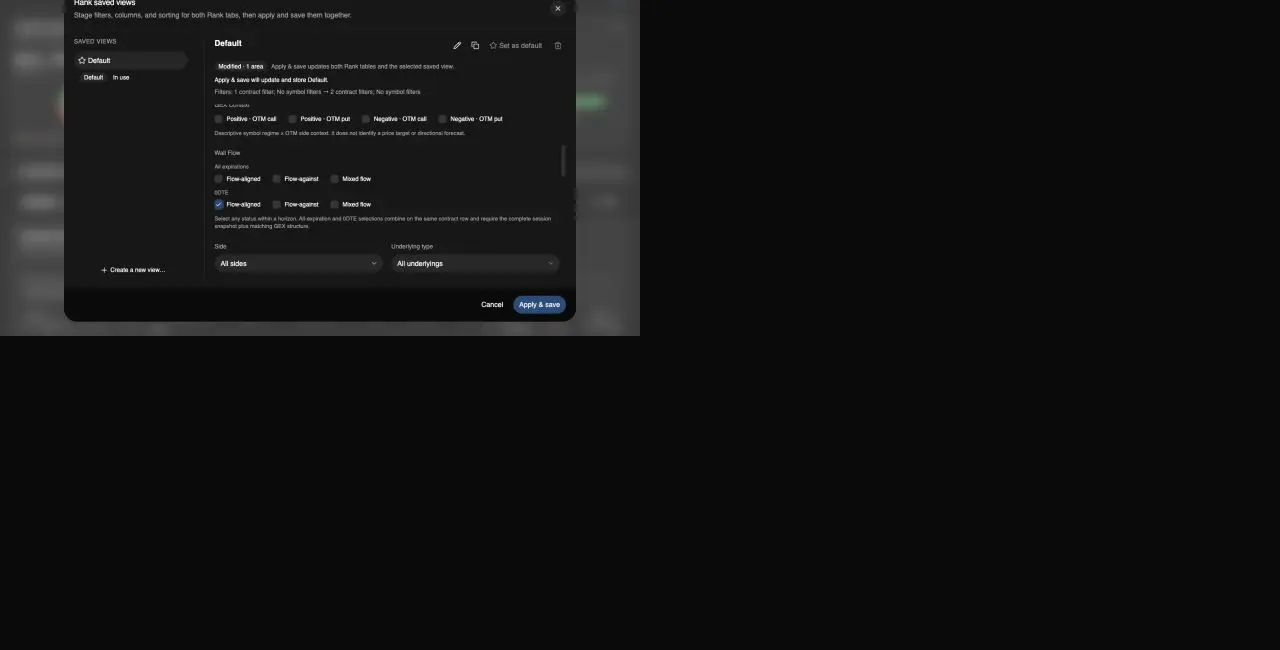
The filter dialog keeps All-expiration and exact-0DTE statuses separate. Draft changes remain local until the user chooses Apply & save.
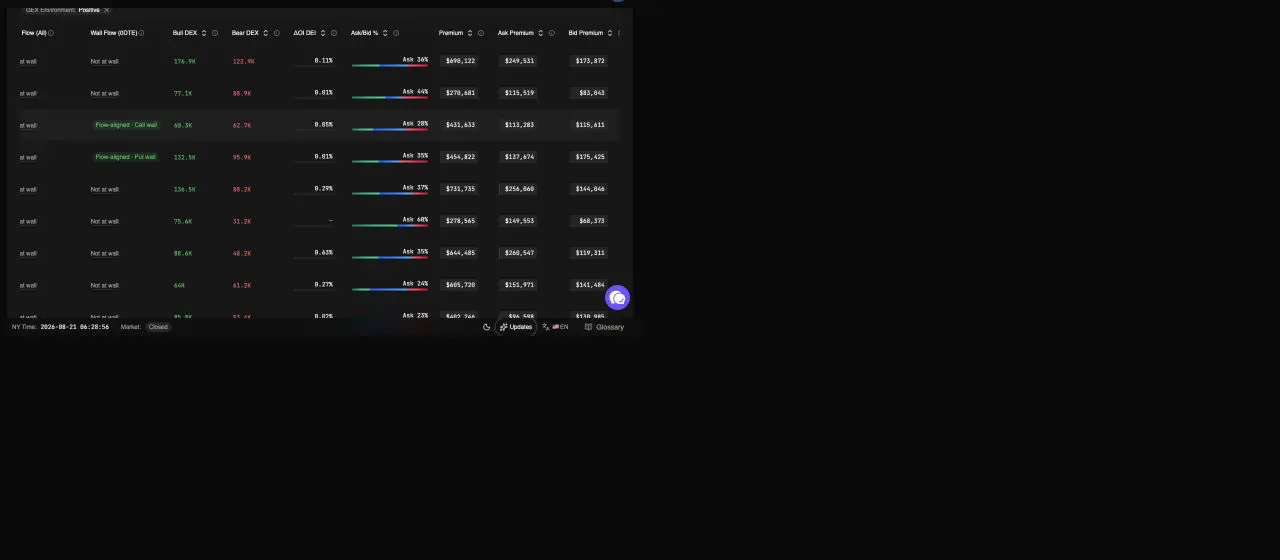
The table shows compact wall-flow status beside the flow and exposure context. These values describe a settled session; they are not a forecast.
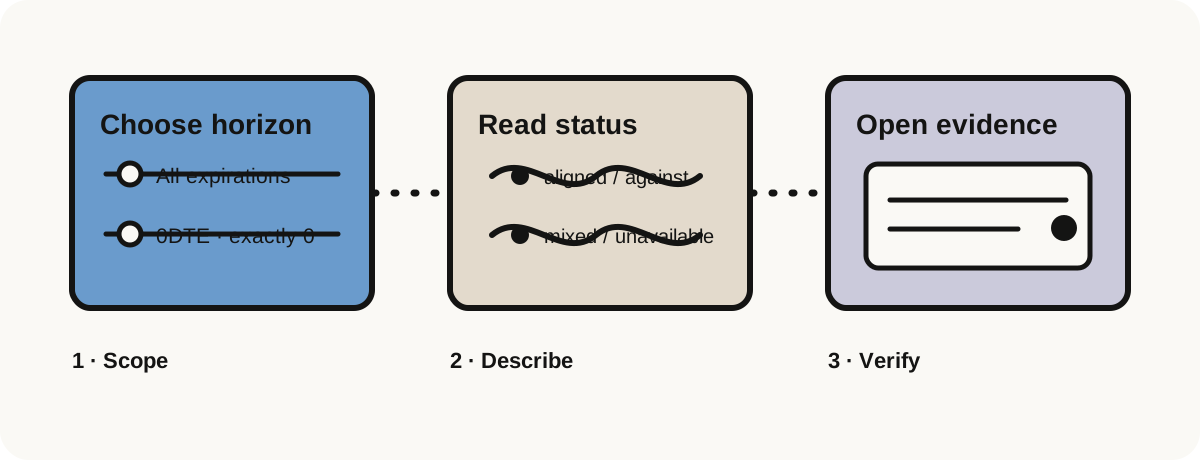
What the two horizons mean
- All expirations compares a contract with the canonical Call or Put wall across the complete non-negative-DTE chain.
- 0DTE compares only contracts expiring today with the canonical same-day wall. It is exactly zero days to expiration, not “near expiry.”
- Status stays descriptive: Flow-aligned, Flow-against, Mixed flow, or an explicit unavailable/not-at-wall state.
The two groups can be selected independently. If both an All-expiration status and a 0DTE status are selected, a row must satisfy both predicates. This makes the filter useful for questions such as “which same-day contracts are aligned with the 0DTE wall, and also agree with the full-chain wall?”
A safer research loop
- Open Rank Contracts with paid access.
- Open Rank saved views and filters, then find Wall Flow under Contract filters.
- Choose a status under All expirations, 0DTE, or both. The draft shows the exact change before it is saved.
- Apply and save the view when you want to keep the filter. The Contracts and Symbols presentation state is saved together; the mounted symbol/watchlist scope is not silently replaced.
- Read the compact status in the table, then open the underlying symbol's Flow drawer when you need wall strikes, matched contracts, prints, premium provenance, and covered ΔOI.
The filter does not rank walls, predict a hold or break, or infer dealer intent. A complete session snapshot and matching market-structure catalog are required; mismatched or partial artifacts stay unavailable instead of being classified from incomplete rows.
Keep the evidence boundary visible
Wall Flow is one layer in the Rank evidence chain. Use the table for discovery, the symbol drawer for the consented mapped-wall flow evidence, and Option Trades for trade-level validation. A wall label is context around observed data—not a price target, probability, or recommendation.
Read the Rank workbench guide for the broader Contracts workflow, or return to TradingFlow App Home to choose a different research question.
Related Articles
SPY / SPX / QQQ 0DTE: Read the Tape Before the Pin Story
Same-day index options dominate trader chat. TradingFlow’s evidence loop is Rank → Option Trades tape → GEX/walls structure—not a 0DTE signal feed.
Create custom formula columns in TradingFlow Rank
TradingFlow Rank now lets paid users create row-level numeric columns for Contracts and Symbols, validate them against approved fields, and keep the definitions inside saved views.
Options Chart That Matters: GEX, Walls, and Flow—Not a Pretty Candlestick
Looking for an options chart? Map gamma exposure, call/put walls, and same-session option flow in TradingFlow Rank—not just another price chart.